Mini PCs are just laptops without screens: The hidden hardware compromises of ultra-compact builds
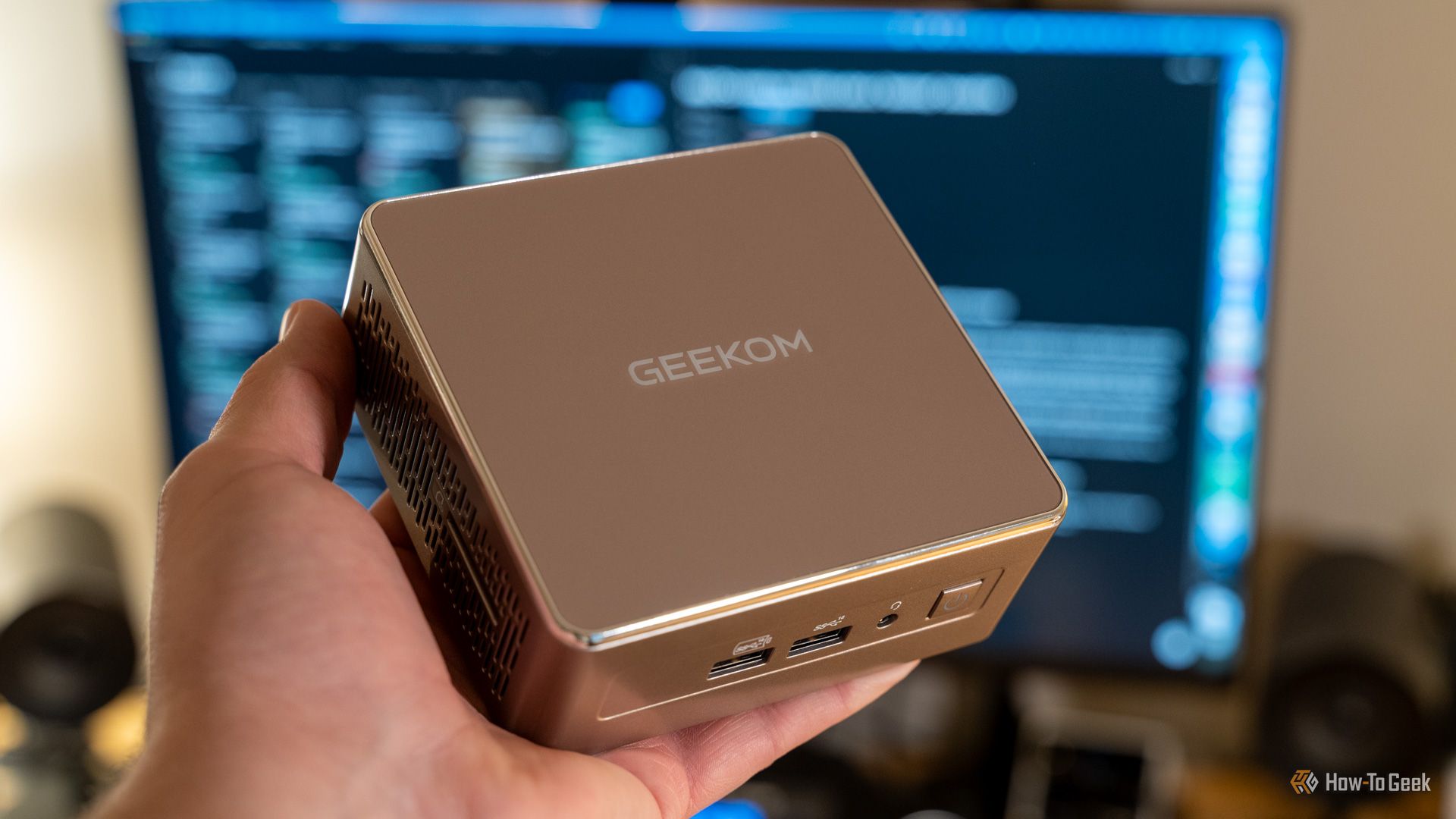
Summary
The article explores essential insights into mini PC ownership, highlighting key aspects that potential buyers should consider. The authors share valuable lessons learned from their own experiences, aiming to guide newcomers in making informed decisions about mini PCs.
Key Insights
What hidden hardware compromises do mini PCs share with laptops due to their ultra-compact designs?
Mini PCs often use the same lower-powered mobile CPU variants and integrated GPUs as laptops for power efficiency and compact thermal solutions, resulting in similar performance levels but limiting high-end capabilities like discrete GPUs in most models.[2]
Sources:
[1]
Why can't mini PCs function independently like laptops without external peripherals?
Unlike laptops, mini PCs lack built-in batteries, screens, keyboards, and touchpads, requiring constant power outlets and separate peripherals for use, making them unsuitable for mobile scenarios without additional equipment.[2]
Sources:
[1]